

Can You Use Alcohol Wipes to Clean a Laptop Screen? The Honest Answer

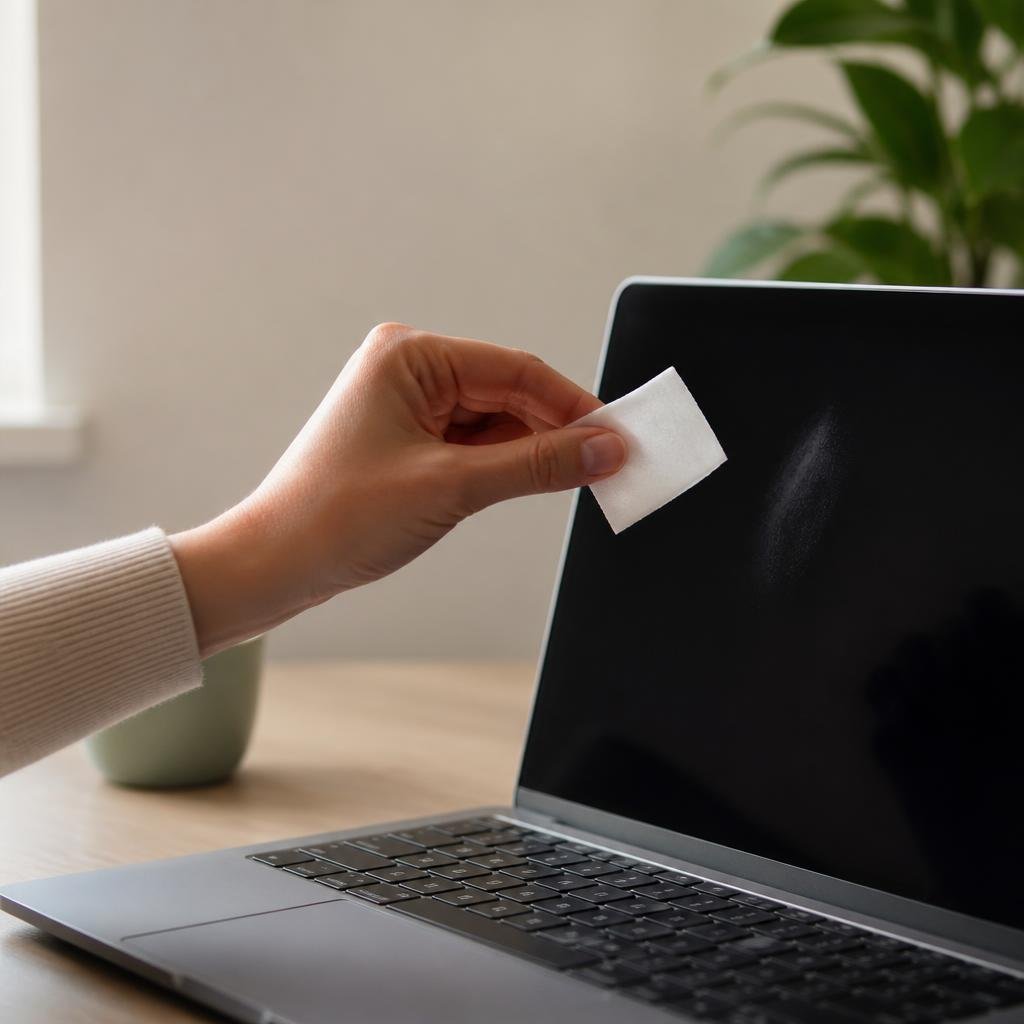
It is a completely reasonable instinct. You have a smudged laptop screen, there is a packet of alcohol wipes in the drawer, and wiping the screen with one seems like the obvious, fast solution. Alcohol is used to clean everything from surgical instruments to phone cases, so why not a laptop display?
The short answer is: not regularly, and specifically not on the screen itself. The longer answer is more useful, because understanding why helps you avoid a type of damage that accumulates invisibly over weeks and months before it becomes obvious enough to notice. This guide covers what screen coatings are actually at risk, why the advice on this topic is so contradictory across different sources, which parts of your laptop alcohol wipes are actually safe on, and what to use instead
What Your Laptop Screen Is Actually Made Of
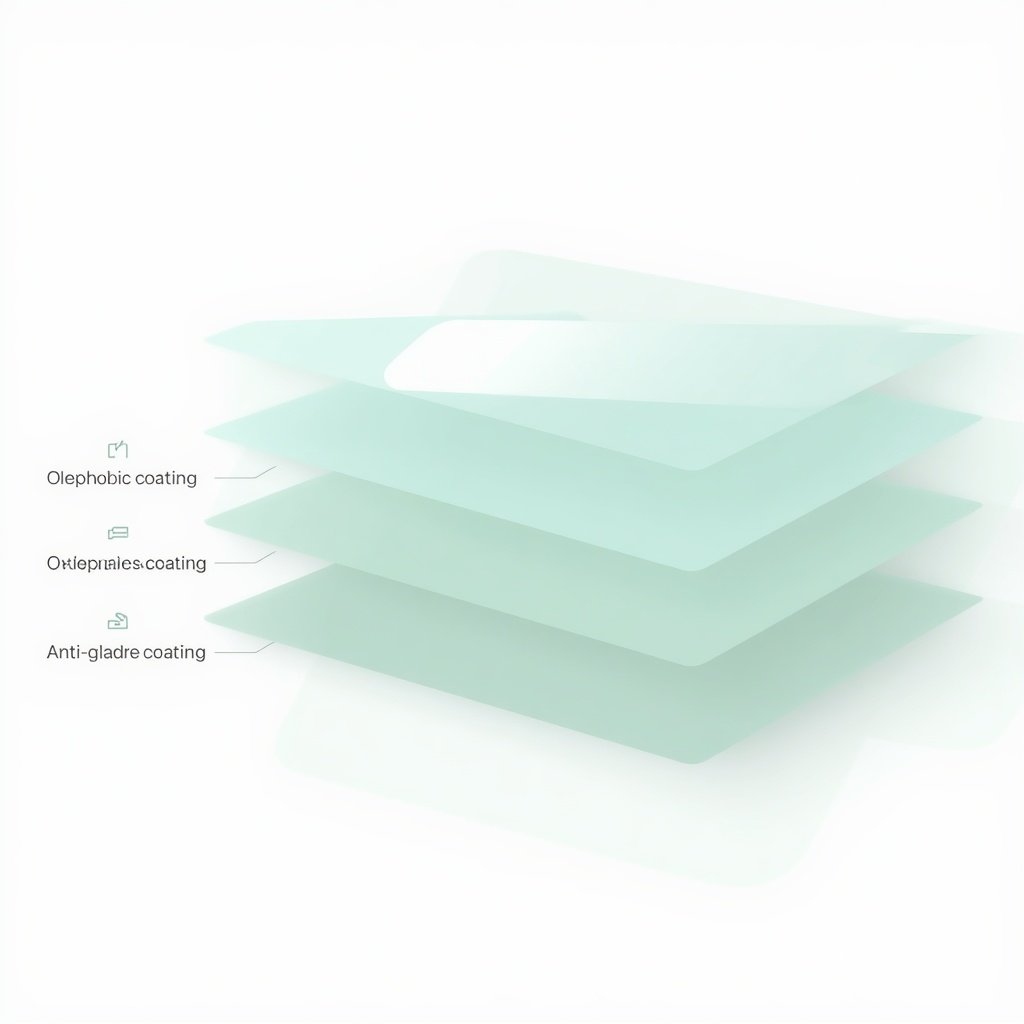
Most people think of a laptop screen as a single surface the glass or plastic panel they look at. In reality, a modern laptop display is a stack of layers, and the outermost ones are the most vulnerable. Two coatings in particular sit at the top of that stack and are responsible for a significant portion of your screen’s everyday performance.
The first is an anti-glare or anti-reflective coating. This is the layer that prevents bright overhead lighting and windows from turning your screen into a mirror during the day. It is designed to scatter incoming light rather than reflect it directly back at you, and it is extraordinarily thin measured in nanometres. That thinness is what makes it effective at what it does and vulnerable to what damages it.
The second is an oleophobic coating. “Oleophobic” means oil-repelling this is the layer that causes fingerprints and skin oils to sit on the surface rather than bonding to the glass beneath. It is what makes a modern screen feel smooth to the touch and what allows fingerprints to be wiped away cleanly with minimal effort. Most people notice this coating has degraded when their screen starts attracting fingerprints much more aggressively than it used to, or when smudges become harder to remove than before.
Both of these coatings can be degraded by alcohol. Not instantly, not necessarily from a single wipe, but gradually and cumulatively with repeated contact in a way that is invisible until enough of the coating has been stripped that the screen’s behaviour changes noticeably.
What Alcohol Actually Does to Screen Coatings Over Time
The mechanism is straightforward once you understand what alcohol does chemically. Alcohol is a solvent its job, chemically speaking, is to dissolve organic compounds and strip surfaces. That is what makes it effective at killing bacteria and removing oils. It is also exactly why it interacts poorly with the thin organic coatings on a modern screen.
A single wipe with an alcohol wipe is unlikely to cause visible, permanent damage. The coating is not going to dissolve on first contact. What happens with repeated use over weeks and months is a gradual thinning and degradation of the oleophobic and anti-glare layers, which changes how the screen behaves: fingerprints start appearing faster and spreading further, smudges become harder to remove cleanly, glare increases, and colours can begin to look slightly off in certain lighting conditions. The screen starts looking “old” faster than it should.
The soft-touch surfaces around the screen the trackpad, the palm rest on certain laptop finishes, the screen bezel are separately vulnerable. Alcohol accelerates the breakdown of soft-touch coatings and can cause them to become sticky, then start peeling. This is particularly common on mid-range laptops with rubberized palm rests and is documented well enough that tech repair communities flag it routinely as alcohol-related accelerated wear.
Why the Advice on This Is So Contradictory
Search for whether to use alcohol wipes on a laptop screen and you will find sources that say yes and sources that say absolutely not, sometimes from publications you would expect to agree with each other. Consumer Reports, for example, has published guidance that includes 70–75% alcohol wipes as an acceptable laptop screen cleaning tool. How-To Geek and Pocket-lint publish the opposite advice, citing coating degradation as the reason to avoid them.
The contradiction is partly a timing issue: guidance published during and immediately after the pandemic was shaped heavily by disinfection concerns, and surface disinfection with alcohol took priority over long-term screen coating preservation. Some of that guidance has since been revised or softened by the same publications, but earlier versions remain indexed and widely shared.
The more useful framework is to separate the question of disinfecting from the question of cleaning. Alcohol wipes are disinfectants first and screen cleaners second they were not formulated with anti-reflective and oleophobic coatings in mind. A product specifically formulated for screen cleaning tested against screen surfaces, ammonia-free, and alcohol-free or very low alcohol is designed for exactly the job you’re trying to do, in a way that a general-purpose disinfecting wipe is not.
Which Parts of Your Laptop Alcohol Wipes Are Actually Safe On
This matters because the screen is not the only surface that needs cleaning, and alcohol wipes are the right tool for several parts of a laptop just not the display panel itself. Understanding where they work well and where they don’t means you can keep a pack in your desk without second-guessing every use.
- Keyboard keys and key surfaces The plastic keycaps on most laptop keyboards are durable enough to tolerate alcohol wipes used for disinfection and oil removal. Wipe gently, avoid excess moisture pooling between keys, and let the surface dry fully before use.
- Laptop casing and lid exterior The hard plastic or aluminium shell of most laptops is not coated the same way the screen is. Alcohol wipes are generally safe for exterior surfaces that need a proper clean, though avoid any soft-touch or rubberized finishes, which are vulnerable for the same reasons as the trackpad.
- Ports, vents, and hinge area A lightly dampened alcohol wipe or a wipe folded to present a dry edge is appropriate for cleaning around ports and the hinge area where dust and grime accumulate.
- Trackpad with caution The trackpad surface on most laptops has a smooth-glass or hard plastic top layer that tolerates light cleaning with a slightly damp wipe. Avoid alcohol on rubberized or soft-touch trackpad finishes, which will break down with repeated exposure.
- Screen, display, and bezel avoid Use a dedicated screen-safe wipe or a microfibre cloth with distilled water. Even a single contact with an alcohol wipe is not catastrophic but regular use will gradually degrade the coatings that make your screen perform properly.
The honest answer is that most people benefit from having both formats available and using each where it genuinely excels. Here is how the decision actually breaks down by surface and context:
- Prescription eyeglasses at home or at a desk A clean, properly maintained microfibre cloth wins for everyday dry smudge removal. Use a lens wipe for heavier cleans after applying skincare, sunscreen, or makeup, or whenever the cloth itself needs to be retired for a wash cycle.
- Sunglasses outdoors and during travel Lens wipes win. Travel exposes lenses to sunscreen, salt water, dust, and environmental grime that needs a cleaning agent, not just a dry wipe. Individual foil-sealed wipes are the most practical format for a bag or jacket pocket.
- Smartphone and tablet screens Lens wipes win for any deep clean. Dry microfibre works for daily fingerprint removal if the cloth is genuinely clean. For screens that have accumulated oils, a wipe removes it faster and more completely.
- Laptop and monitor screens Lens wipes are the safer choice for periodic deep cleaning, particularly ammonia-free and alcohol-free formulas that won’t damage anti-glare coatings. A dry microfibre cloth is appropriate for daily light-dust removal between deeper cleans.
- Camera lenses The blower-first rule matters most here. After removing loose debris, a lens wipe is appropriate for removing fingerprints and oil from the front element. Avoid alcohol-based wipes on modern multi-coated camera lenses; non-alcohol formulas are safer for sensitive coatings.
- Office environments and shared screens Lens wipes win clearly. A shared microfibre cloth passed between colleagues is a hygiene risk and degrades faster than cloths used by one person. Individual wipes keep each clean hygienic and starting from zero.
What to Use Instead for the Screen Itself
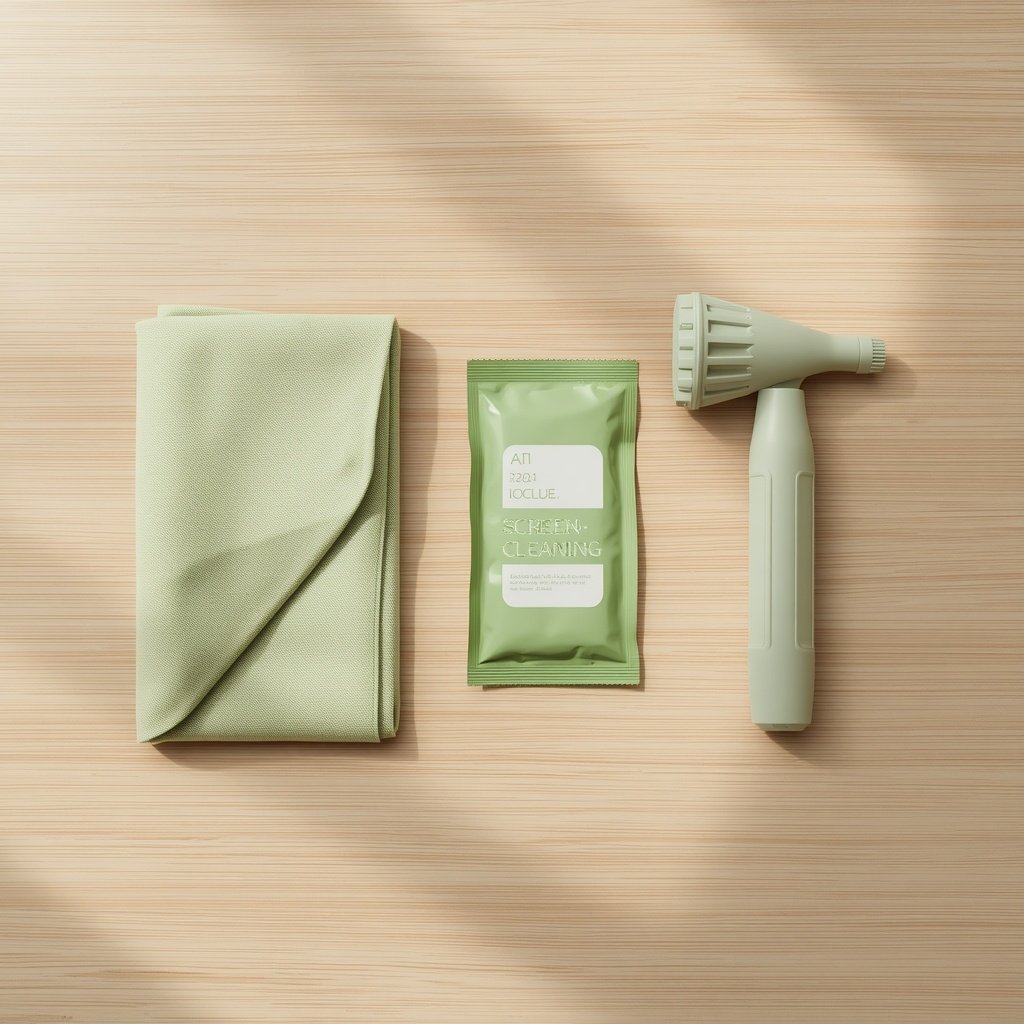
For everyday smudge and fingerprint removal, a clean, dry microfibre cloth is the safest and most recommended tool. The ultra-fine fibres create a mild static charge that lifts and traps oil and dust without any chemical interaction with the screen surface at all. For most users cleaning their laptop screen a few times a week, a clean microfibre cloth and nothing else handles the job cleanly.
For heavier cleans a screen that has accumulated oils, a sticky smudge, or residue that a dry cloth cannot shift a dedicated screen cleaning wipe is the right tool. The key formulation criteria for screen safety are: ammonia-free (ammonia damages anti-reflective coatings faster than alcohol does), alcohol-free or very low alcohol content, and lint-free material that does not leave fibres on the display surface. These are not the same criteria as a general disinfecting wipe, which is formulated for a different job on different surfaces.
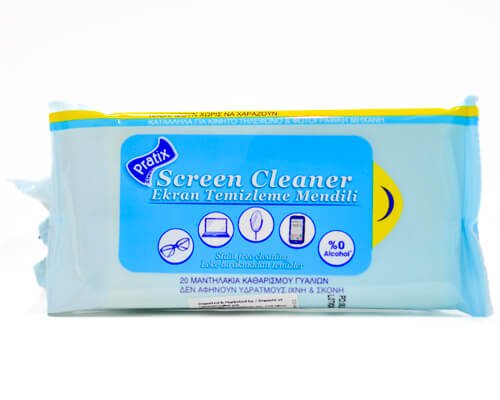
This is exactly what Pratix screen and optical cleaning wipes are built for: a pre-moistened, single-use format with an ammonia-free, screen-safe formula that cleans laptop displays, phone screens, and optical surfaces without degrading coatings or leaving streaks. Available in multi-pack format for home, desk, and travel use browse the full range in our screen and optical cleaning collection.
A Practical Cleaning Routine for Laptops
Combining the above into a simple repeatable routine covers both daily maintenance and periodic deeper cleaning without any of the coating-damage risk:
- Daily or every few days Dry microfibre cloth for the screen. Power down first. One or two gentle passes, no pressure. A clean cloth, not one that has been sitting in a case or pocket collecting debris.
- Weekly keyboard and casing wipe Alcohol wipe on keys, casing, and ports. Avoid the screen, trackpad soft surfaces, and any rubberized finish. Let dry fully before closing the laptop.
- Monthly or as needed deeper clean Dedicated screen cleaning wipe ammonia-free, alcohol-free for the display. One pass, gentle pressure, let air dry for 30 seconds before use.
- Blower first if the screen has visible dust or particles Never wipe any surface cloth or wipe over grit that is harder than the coating beneath it. A small rubber air blower or a careful breath removes loose debris before any contact cleaning
What to Look for in a Screen-Safe Cleaning Wipe
- Ammonia-free Non-negotiable for any coated display. Ammonia attacks anti-reflective coatings aggressively and should not be present in any product used on a laptop, phone, or optical screen.
- Alcohol-free or very low alcohol content Avoids the cumulative coating degradation described above. Purpose-formulated screen wipes use gentler cleaning agents designed for exactly this surface.
- Lint-free construction The wipe material should leave no fibres on the screen. Non-woven or lint-free material is specified on quality screen cleaning products.
- Single-use format Each wipe starts clean, with no accumulated oils or debris from previous uses which eliminates the dirty-cloth risk that applies to microfibre used without a regular washing routine.
- Compatible with multiple surfaces A wipe that works safely on glasses, phone screens, laptop displays, and tablet panels is a practical choice for anyone cleaning multiple devices, rather than maintaining separate products for each.
Frequently Asked Questions
Will one alcohol wipe permanently damage my laptop screen?
A single use is unlikely to cause visible permanent damage the coatings do not dissolve on first contact. The risk is cumulative: regular use over weeks and months gradually degrades the anti-glare and oleophobic layers until the change in screen behaviour becomes noticeable.
My screen already looks streaky after cleaning. Is the coating gone?
Persistent streaking that doesn’t wipe away cleanly is often a sign of oleophobic coating degradation. If a dry microfibre cloth no longer removes fingerprints cleanly and the screen surface feels different to the touch than it used to, some coating loss has likely occurred. At that point, switching to a proper screen-safe cleaning product and avoiding alcohol entirely slows further degradation.
Can I use alcohol wipes on my phone screen?
Same principle as laptop screens: avoid regular use. Phone screens have oleophobic coatings applied from the factory that alcohol degrades over time. For disinfection during illness, occasional use is unlikely to cause permanent damage but daily alcohol wipe use on a phone screen will noticeably degrade the feel and fingerprint resistance of the display within months.
What about Apple’s guidance on cleaning MacBook screens?
Apple specifically advises against using alcohol-based cleaners or hydrogen peroxide on MacBook displays, citing the risk to screen coatings. Their recommended method is a soft, lint-free cloth slightly dampened with water only. This is consistent with the guidance in this article and reflects the manufacturer’s own understanding of how their screen coatings respond to alcohol.
Are screen cleaning wipes and disinfecting wipes the same thing?
No. Disinfecting wipes are formulated to kill bacteria and viruses on hard surfaces they are tested and registered for that purpose. Screen cleaning wipes are formulated to clean delicate coated surfaces without chemical damage. The two jobs require different formulations, and using a disinfecting wipe on a screen is using the wrong tool for the surface.
Alcohol wipes are the right tool for disinfecting keyboards, casings, and shared surfaces. They are the wrong tool for regular laptop screen cleaning, because their formulation was never designed with the thin, delicate coatings on a modern display in mind. A single use is not catastrophic. A daily habit is.
For the screen itself: a clean microfibre cloth for everyday use, and a dedicated ammonia-free, alcohol-free screen cleaning wipe for deeper cleans. For everything else on the laptop: alcohol wipes work well and can stay in the drawer for exactly that purpose.
Browse our screen and optical cleaning collection for dedicated screen-safe wipes, or explore our travel ready range for compact formats that keep your devices clean wherever you are.